
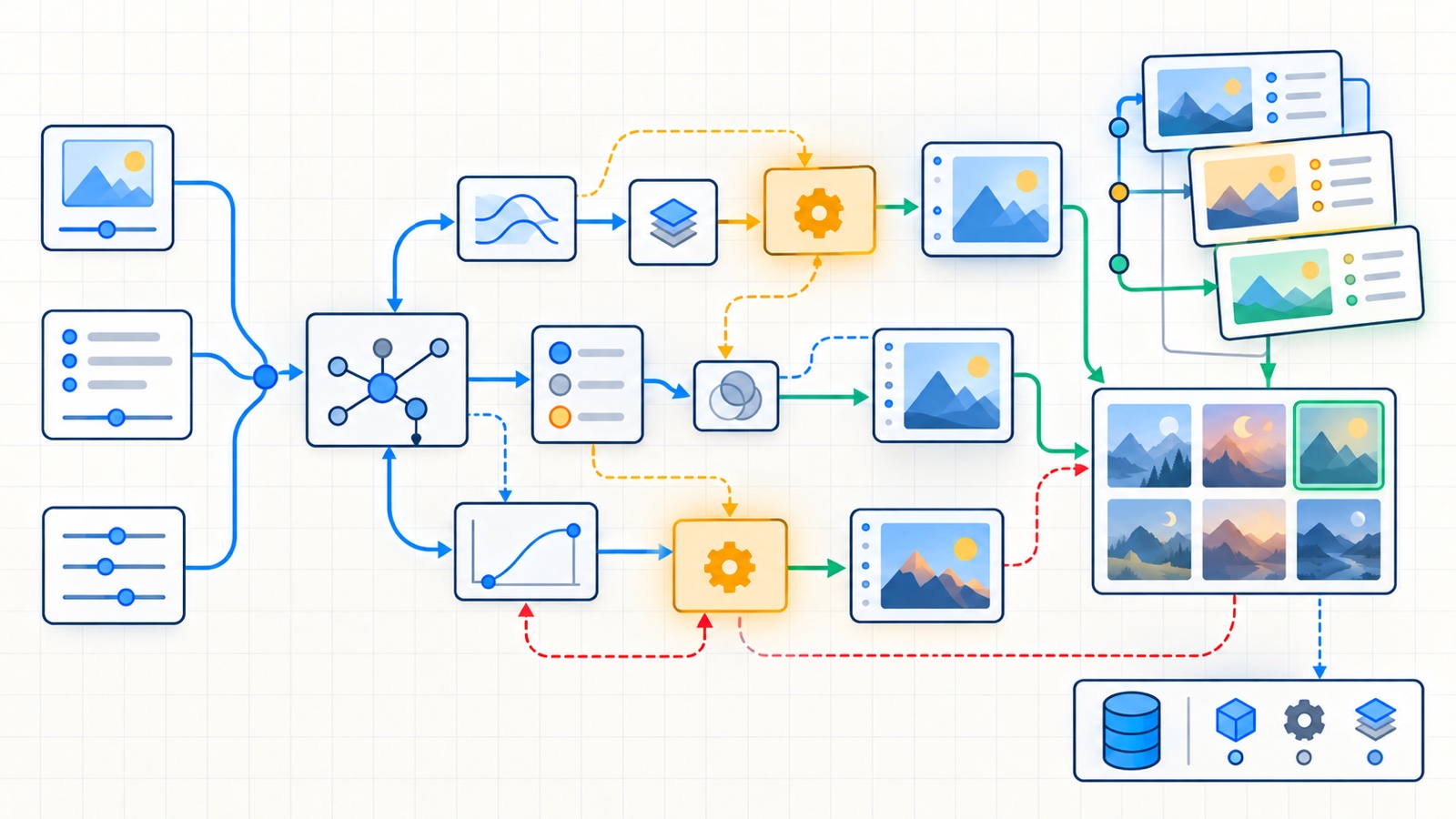
ComfyUI makes image generation visible as a graph. That does not automatically make a workflow reproducible. A graph can still depend on an unrecorded checkpoint, a changing custom node, a random seed and a manual Photoshop pass nobody wrote down.
The useful unit is not the screenshot of the graph. It is a small production package: workflow, dependency manifest, inputs, run record and final export.
Updated
Uses the current ComfyUI workflow and API-format documentation. Node names, model availability and custom-node interfaces can change; pin exact revisions for production.
Tested with
ComfyUI workflow JSON 1.0 · ComfyUI API workflow format · C2PA 2.x
For an editorial hero, keep the first graph deliberately plain:
checkpoint -> positive prompt -> sampler -> decoder -> save image
                negative prompt ---^
Add a resizing or compositing stage only when it owns a clear production responsibility. Every custom node is another versioned dependency and another way for a future machine to fail loading the graph.
Name important nodes by responsibility: brief, negative_constraints, generation, delivery_resize. A reviewer should not need to decode a wall of numeric IDs to understand the intent.
ComfyUI distinguishes the regular save format from the API format. The save format retains layout information for reopening the graph in the interface. The API format is the compact graph submitted programmatically.
Store both:
editorial-image/
├── workflow.ui.json
├── workflow.api.json
├── inputs/
├── outputs/originals/
├── exports/
├── dependencies.md
└── runs.csv
The two JSON files serve different consumers. Treat neither as a substitute for the dependency record.
Key takeaway
A seed reproduces randomness only inside the same effective environment. The checkpoint, VAE, node implementation, scheduler, dimensions and input assets are part of the experiment too.
For each dependency, capture an identifier that can be resolved later:
- ComfyUI release or commit;
- model filename plus cryptographic hash;
- VAE and text encoder identifiers when separate;
- custom-node repository and commit;
- relevant Python, CUDA and driver versions;
- input-asset hashes and licenses.
Avoid committing large model files merely to make the folder look complete. A manifest with hashes and an approved retrieval location is usually easier to govern.
The API workflow format makes programmatic runs possible. Create a small input contract for the fields that change per article:
{
  "slug": "agent-memory-guide",
  "prompt": "Editorial systems diagram of a governed memory pipeline",
  "negative": "decorative text, logos, photorealistic people",
  "width": 1600,
  "height": 900,
  "seed": 184211,
  "reviewer": "owner"
}
An adapter can map those fields to known node inputs before submitting the workflow. Validate node IDs and expected classes first; otherwise a renamed node can silently direct data to the wrong place.
- Build the smallest graph that satisfies the editorial brief.
- Export the UI workflow and API workflow into the same versioned package.
- Hash the model and every input asset; pin custom-node commits.
- Move variable brief fields into a validated data file.
- Run a fixed seed twice after a clean restart and compare outputs.
- Record duration, device, output hash and any manual intervention.
- Preserve the original output; create delivery crops as derived exports.
The graph should produce candidates, not declare them publishable. Review the selected image for:
- factual correspondence with the article;
- accidental text, symbols or visual claims;
- copied-looking brands, characters or signatures;
- accessibility at the actual rendered size;
- source and license records for every human-supplied input;
- disclosure and provenance requirements.
If a human edits the result, record the editor and operation at a useful level: crop, color correction, object removal or label replacement. Keep the generated original so the transformation chain remains inspectable.
A production workflow should survive three tests:
- Open the UI JSON on a clean installation and identify missing dependencies.
- Submit the API JSON with the recorded inputs and receive a valid output.
- Rebuild the delivery asset from the preserved original without relying on an undocumented desktop file.
If any test depends on memory, the workflow is not yet a production artifact.
Note
ComfyUI can embed workflow information in supported generated media, which is useful for recovery. Keep the separate versioned package anyway: publishing pipelines may resize images or strip metadata.
- ComfyUI workflow JSON specification — the versioned schema for saved workflow graphs.
- ComfyUI workflow API format — differences between UI save JSON and programmatic submission JSON.
- ComfyUI repository — installation, local API and workflow capabilities.
- C2PA specifications — provenance concepts for generated and edited media.