
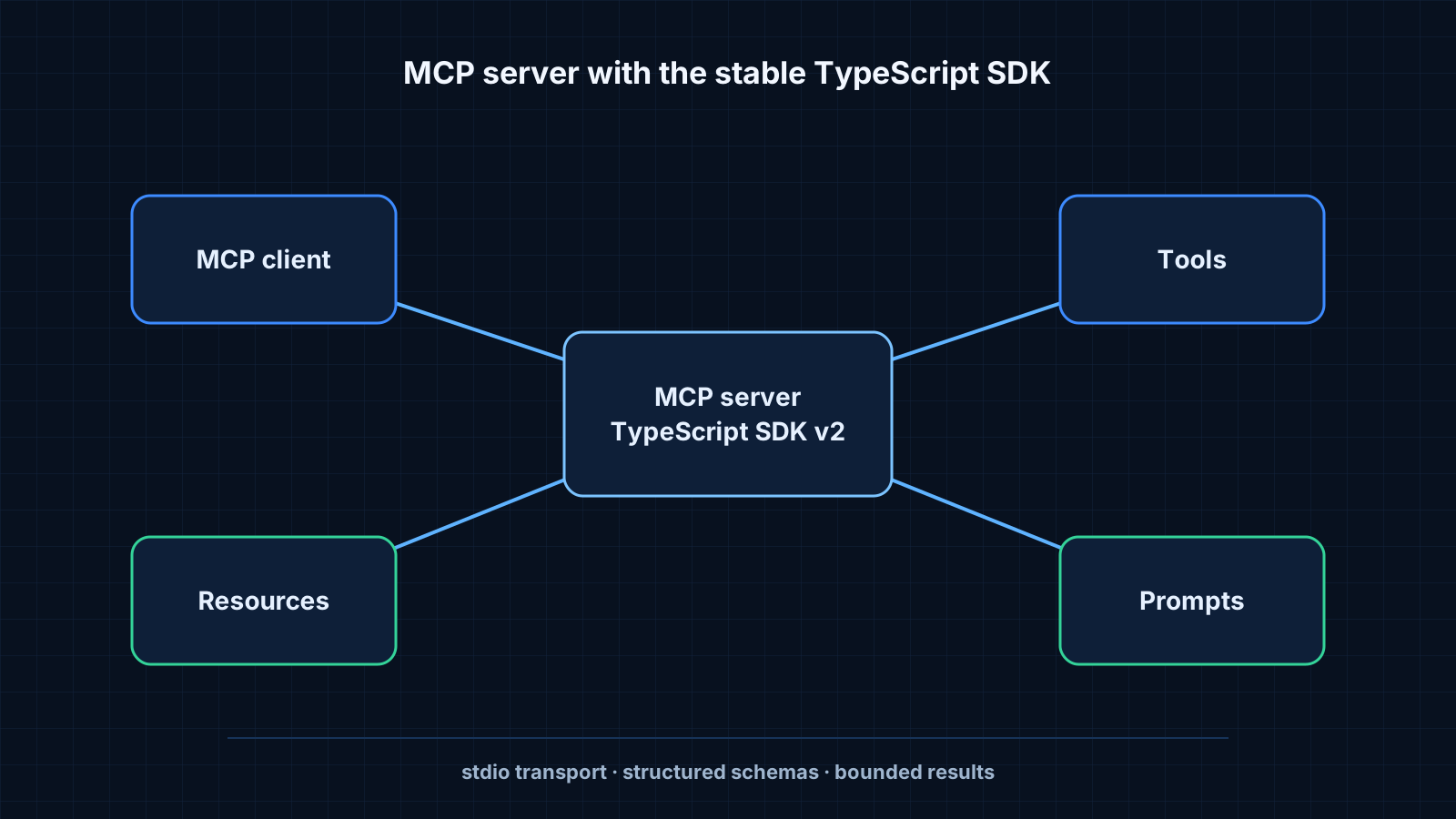
The Model Context Protocol (MCP) is an open protocol that lets an AI application, the client, use capabilities provided by a separate process, the server. A server can expose three kinds of capabilities:
- Tools: functions the model can call, such as searching notes.
- Resources: data the client can read, such as a file or a record.
- Prompts: reusable prompt templates the user can pick.
In this guide we build a server with one tool that searches a folder of Markdown notes, and connect it to a desktop client.
Updated
Uses the stable v2 TypeScript SDK for the 2026-07-28 MCP specification.
Tested with
Node.js 24 · @modelcontextprotocol/server 2.x · Zod 4
- Create a folder and run
npm init -y. - Install the server SDK and Zod:
npm install @modelcontextprotocol/server zod. - Set
"type": "module"inpackage.jsonso the ES module imports below work.
- notes-server/
- package.json
- src/
- index.ts
- search.ts
- notes/
A tool has a name, a description the model reads, an input schema and a handler. The description matters: it is how the model decides when to call the tool.
import { McpServer } from "@modelcontextprotocol/server";
import { StdioServerTransport } from "@modelcontextprotocol/server/stdio";
import * as z from "zod/v4";
import { searchNotes } from "./search.js";

const server = new McpServer({ name: "notes", version: "1.0.0" });

server.registerTool(
  "search_notes",
  {
    title: "Search notes",
    description: "Full-text search over my Markdown notes. Returns matching titles and excerpts.",
    inputSchema: z.object({ query: z.string().min(2) }),
  },
  async ({ query }) => ({
    content: [{ type: "text", text: JSON.stringify(await searchNotes(query)) }],
  }),
);

await server.connect(new StdioServerTransport());
The stdio transport means the client starts the server as a child process and talks to it over standard input and output. Anything the server prints to standard output is protocol traffic, so write logs to standard error.
Keep results small
Return only what the model needs: titles, short excerpts and identifiers. Large tool results fill the context window and make the next step worse.
Desktop clients read a JSON configuration that says how to start each server.
{
  "mcpServers": {
    "notes": {
      "command": "node",
      "args": ["/absolute/path/to/notes-server/build/index.js"]
    }
  }
}
After restarting the client, the tool appears in its tool list. Ask a question about your notes and the model will call search_notes when the description matches.
The MCP Inspector starts your server and lets you call tools by hand, which is much faster than going through a chat client for every change.
npx @modelcontextprotocol/inspector node build/index.js- Tool descriptions are prompts. Clear, specific descriptions lead to correct tool calls.
- Validation in the input schema catches bad calls before your handler runs.
- Start with stdio. Move to HTTP only when the server needs to run remotely or serve several clients.
- Model Context Protocol — specification and guides.
- TypeScript SDK — v2 packages, examples and migration information used in this guide.